If your company manages or has to keep track of claims, claims management software can remove headaches and reduce the cost of admin.
Choosing the right claims processing tool for your business can feel overwhelming.
Traditional claims applications are often designed with insurance companies in mind, focusing primarily on policy management and corporate features while neglecting user experience.
Given the history of the insurance industry, many of these software solutions can feel outdated.
Below we explain what characteristics and features you should consider and take into account when looking for claims management software. These are just guidelines based on our experience, and ultimately, the tool you select should feel right for your company.
🔍 The elements to consider when looking at claims management solutions
1. The product
Having the opportunity to see and test the product early in the decision-making process is crucial.
A self-guided trial lets you explore real workflows, gauge the user experience, and spot potential issues before you commit. Slide-deck walk-throughs rarely tell the whole story, so ask the vendor for a trial account and test the platform yourself.
Finding a product that not only solve problems but feels good and easy to use is key for the productivity and efficiency of your team, as the Avanti 2024 Digital Employee Experience (DEX) Report highlights. [1]
2. SaaS software
Prioritise Software-as-a-Service (SaaS) tools over on-premise or legacy solutions to gain stronger security and greater flexibility.
SaaS products are usually available via a subscription and, being cloud-based, are accessible from anywhere.
SaaS is also fully maintained by the provider. The provider manages hosting, performance monitoring and security, as well as rolling out new product features automatically, usually without any extra costs!
Traditional providers and legacy software often charge extra fees for updates and customisations. With SaaS, you get predictable costs plus a stream of continuous improvements and enterprise-grade security baked in.
3. Security
Is security by design a priority for the vendor? In addition to reviewing the company's Security Code of Conduct and Privacy Policy, understand the company's stance on security, and review the features available for your organisation.
Leading claims technology providers, like Claimable, continuously monitor for vulnerabilities and implement the latest security tools and strategies to ensure enterprise-grade protection. Make sure your provider follows industry best practices to safeguard your sensitive data.
4. Cost
When evaluating the cost of claims management platforms, don’t stop at the subscription price. Ask yourself:
- Are there hidden fees or mandatory add-ons?
- Is the software ready to use immediately?
- Will my team require extensive training?
- Does setup demand a long and costly implementation project?
- Are no-code integrations available?
Some vendors delay sharing full pricing details until late in the sales process. This lack of transparency can lead to wasted time and resources if the solution doesn’t align with your budget. A clear and predictable pricing model is essential for sustainable investment, especially in the long run.
In addition, hidden fees, add-ons, long integration projects can quickly increase the total cost of software and reduce the return on investment (ROI).
5. Vendor
The software vendor you choose should feel like a true partner, not just a provider. Beyond checking reputation, engage directly with the sales and support teams.
Gauge their responsiveness, willingness to collaborate, and how well they understand your business needs. A reliable vendor will be proactive, transparent, and easy for your team to work with long term.
🧑💻 The features to look for
1. User-friendly interface
A platform that is easy and intuitive to use can significantly enhance your team's productivity. If your team enjoys logging into the claims software daily and can quickly learn to navigate the new system, it will ultimately save you time and money.
Good user experience boosts employees' productivity and empower team members to meet organisational goals more efficiently. [2]
Claimable is built with simplicity in mind and our customers rarely need much training.
2. Document storage
Managing claims involves many moving parts. And, context-switching between tools has been proven to hinder productivity. [3]
Efficiently storing, organising, and retrieving documents, reports, photos, and recordings in one place along with all claims information, is crucial for handling claims without delays.
Be sure to test this functionality and avoid clunky products.
3. Accessible & Open API
Having the ability to build integrations and connect your claims management software with other tools your company uses, allows you to extract valuable insights from claims data. Building integrations can be time-consuming, and many software companies charge extra for support.
Ensure that an accessible well-documented API is available without requiring significant support fees.
4. No-code integration
Building integrations can be time-consuming. While more traditional software may require consultancy services for an additional cost, modern software often offers integration with no-code tools like Zapier. Zapier allows to integrate your claim software with 1000s of other applications without writing any code.
If you have limited technical resources or none at all, going for a Zapier integration can save you significant time and money.
5. Communication
Effective and consistent communication is vital in claims management. Time-consuming tasks like sending emails and creating branded letters should be streamlined. Look for tools that allow you to build templates and generate documents automatically populated with data from within the claim system.
6. Tasks management
Search for features that can enhance your workflow, reduce errors, and shorten the claims lifecycle. Automated task creation and reminders not only save time but also help you train team members more effectively and ensure your company can provide a consistent, predictable claims experience.
7. Exporting
You own your data and exporting should be an easy task. Being able to collect, manipulate, and use data strategically can greatly benefit your company. Review the exporting functionalities to ensure you can easily retrieve raw data in CSV and XLSX formats.
8. Security
Check if the software provides security features like Multi-Factor Authentication (MFA) and Single Sign-On (SSO) out of the box. In addition to reviewing the company's overall security posture, ensure that security-by-design principles are implemented to provide you with peace of mind and alleviate the security burden.
9. Flexibility
Claims are everywhere and involve a variety of industries. Make sure the system offers some level of customisation and can accommodate different claim types.
Features that allow you to create email templates, customise documents and categorise your claims as you wish can greatly enhance your claims handling process.
10. Support and training
When adopting new software, having access to good support and a friendly team can make a significant difference. Inquire about the vendor's support options, and prefer solutions that use modern tools such as chat and do not outsource this service.
During the trial of the software, assess the quality of support and build a rapport with the support team to facilitate future interactions.
Beware of these red flags!
🚩 Lack of costs transparency
If a software provider hides its pricing or only offers custom quotes after lengthy sales conversations, consider this a red flag.
Opaque pricing models often signal cost structures based on your perceived budget rather than the actual value delivered. In contrast, modern claims processing platforms should provide clear, upfront pricing to help businesses make informed decisions without pressure.
🚩 No free trial
In today’s SaaS-driven world, relying solely on presentations or canned demos is no longer acceptable. If you're unable to experience the product firsthand, through a free trial, you risk investing in a platform that may not meet your expectations.
Leading insurance claims software providers, like Claimable, offer flexible ways for you to explore their solution before making a commitment.
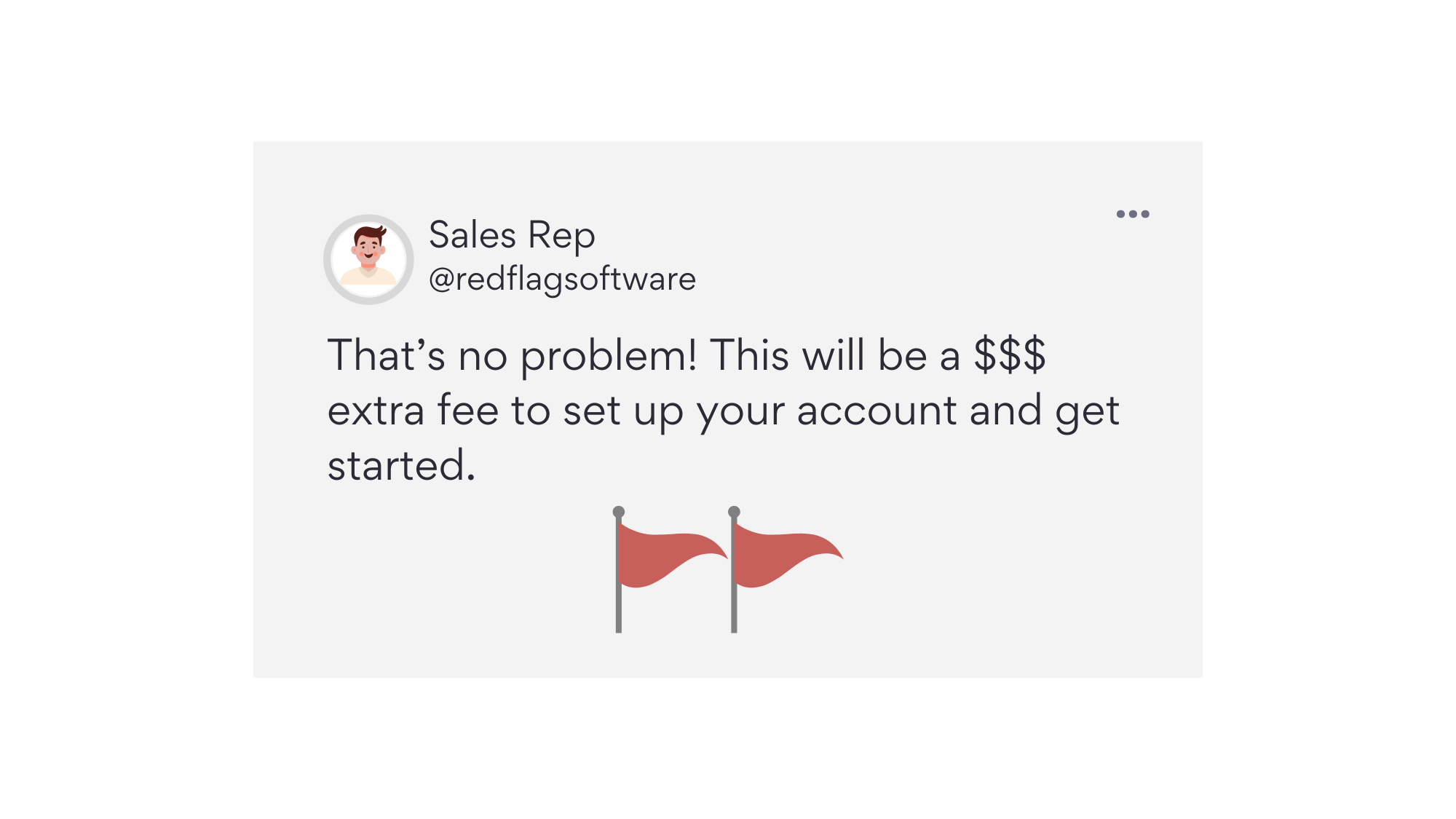
🚩 Hidden extra fees
A pricing approach where every feature (or module) comes at an additional fee can inflate your total cost of ownership quickly.
Businesses seeking claims technology should look for solutions with transparent, all-in-one pricing to avoid surprises and ensure scalability.
🚩 Clunky or outdated user experience
Your team’s productivity depends on how intuitive and responsive the claims software is.
If the platform feels dated, slow, or unnecessarily complex, that’s a clear indication it may hinder rather than help. Deloitte and LIMRA echo this, warning that legacy technology debt prevents insurers from advancing analytics, real-time transactions, and a digital experience. [4]
Best-in-class claims systems prioritise usability and are designed with the end user in mind.
🚩 Restrictive long-term contracts
Some vendors push multi-year contracts with minimum commitments, locking you in before you’ve even fully explored the software’s value.
While long-term agreements might offer minor discounts, flexibility should be a priority. Look for providers who offer monthly or scalable plans that grow with your needs.
🚩 Overuse of buzzwords
Be cautious of vendors who lean heavily on buzzwords and AI jargon (or AI washing) [5] without clearly demonstrating how it benefits your operations.
Effective claims management software should enhance, not replace, the expertise of your claims professionals.
In conclusion, while there are some important features and characteristics that are a non-negotiable, what matters the most is that the claim tool you choose helps your team and is used with enthusiasm.
Software is never meant to replace skills but it should be a multiplier of your team strengths and a support for improvements.
As one insurance CCO summarised in the Deloitte article about preserving the human touch in insurance claims transformations, "It’s really not about replacing skills; it’s about adding some and amplifying others..." [6]
https://www.ivanti.com/resources/research-reports/digital-employee-experience ↩︎
https://www.forrester.com/blogs/must-employees-keep-enduring-bad-ux ↩︎
https://www.ciodive.com/news/app-switching-enterprise-productivity-software-qatalog/602082/ ↩︎
https://www2.deloitte.com/content/dam/Deloitte/us/Documents/financial-services/us-fsi-legacy-systems-and-modernization.pdf ↩︎
https://www2.deloitte.com/us/en/insights/industry/financial-services/insurance-claims-transformation.html ↩︎